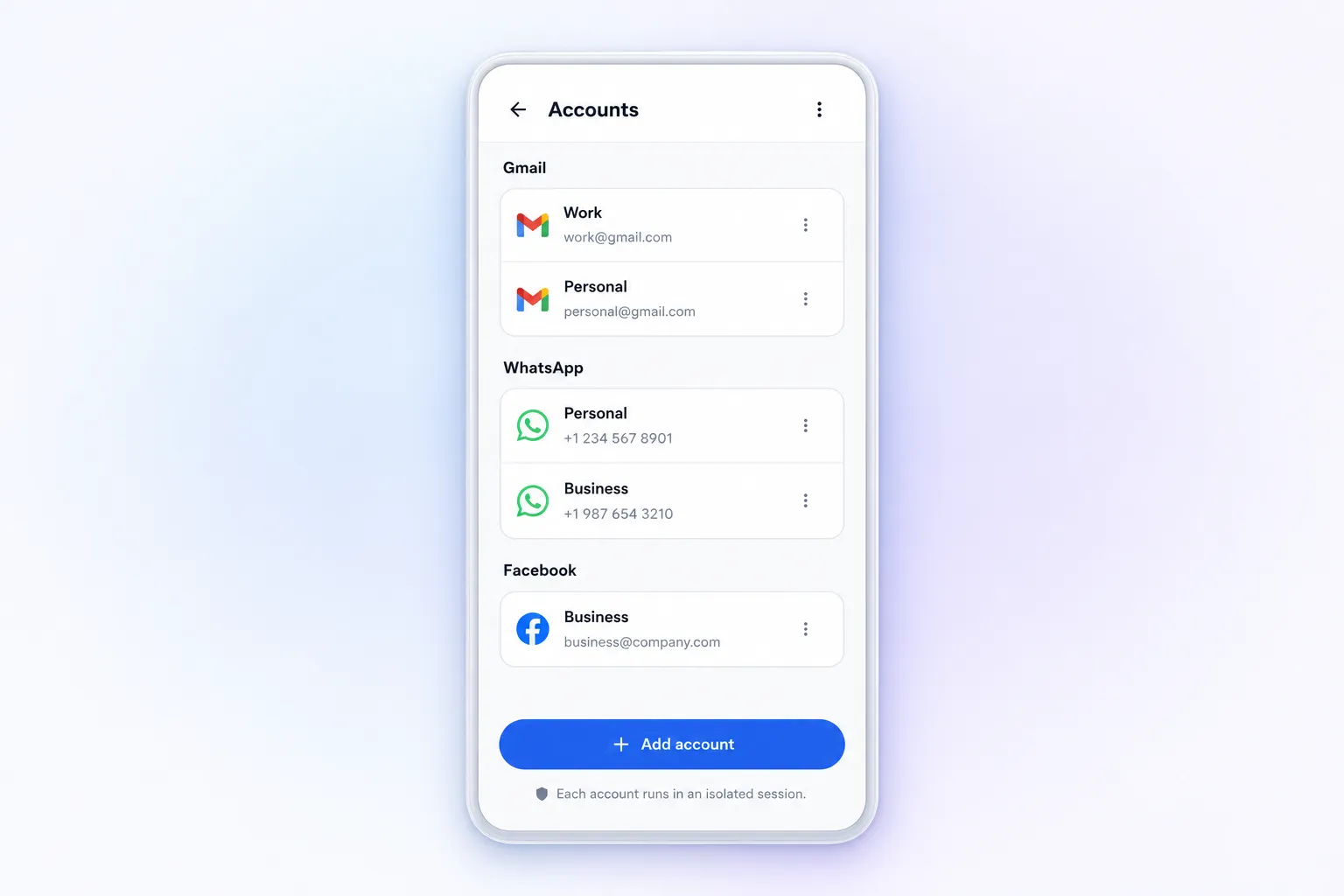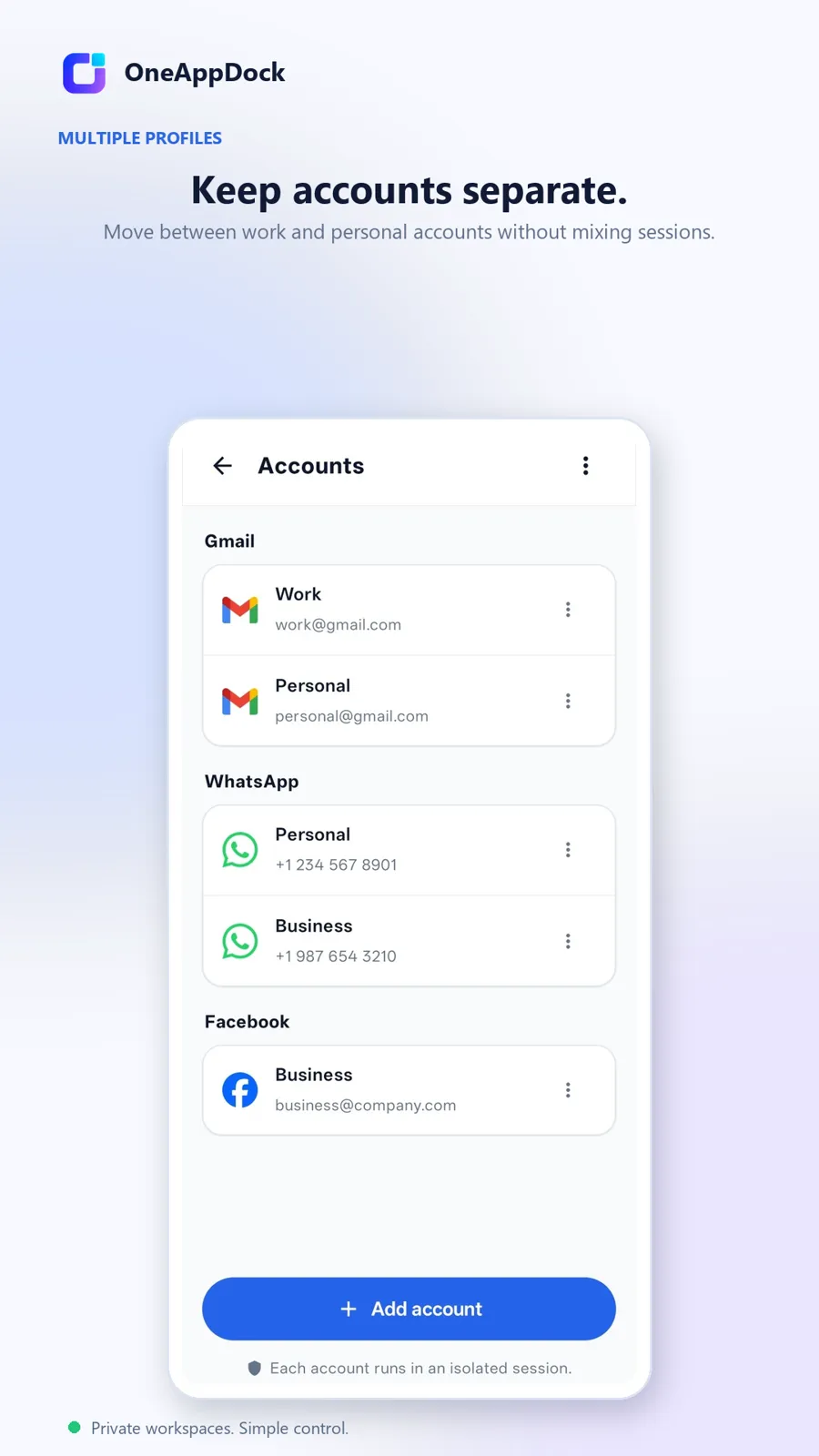


True Multi-Account Separation
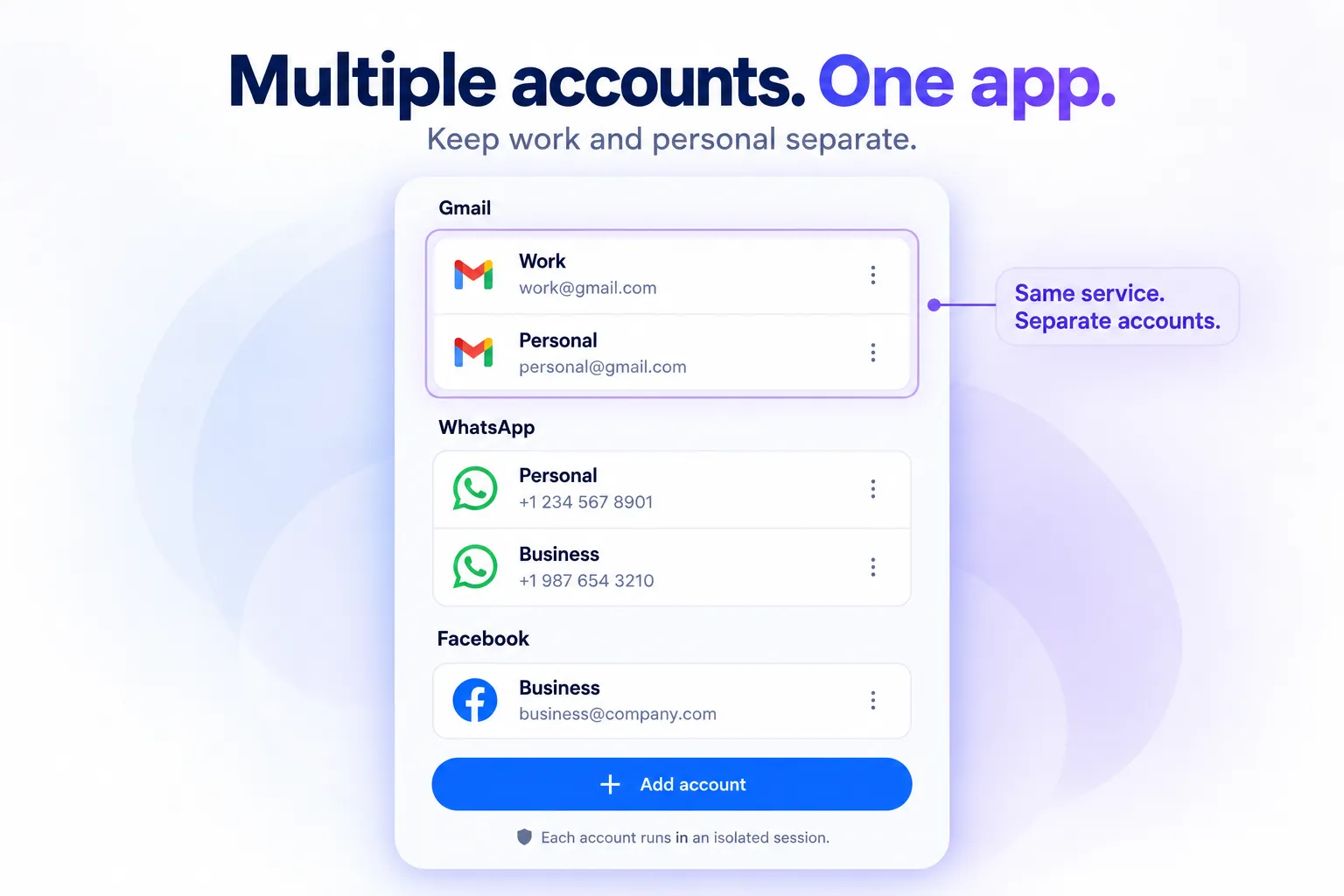
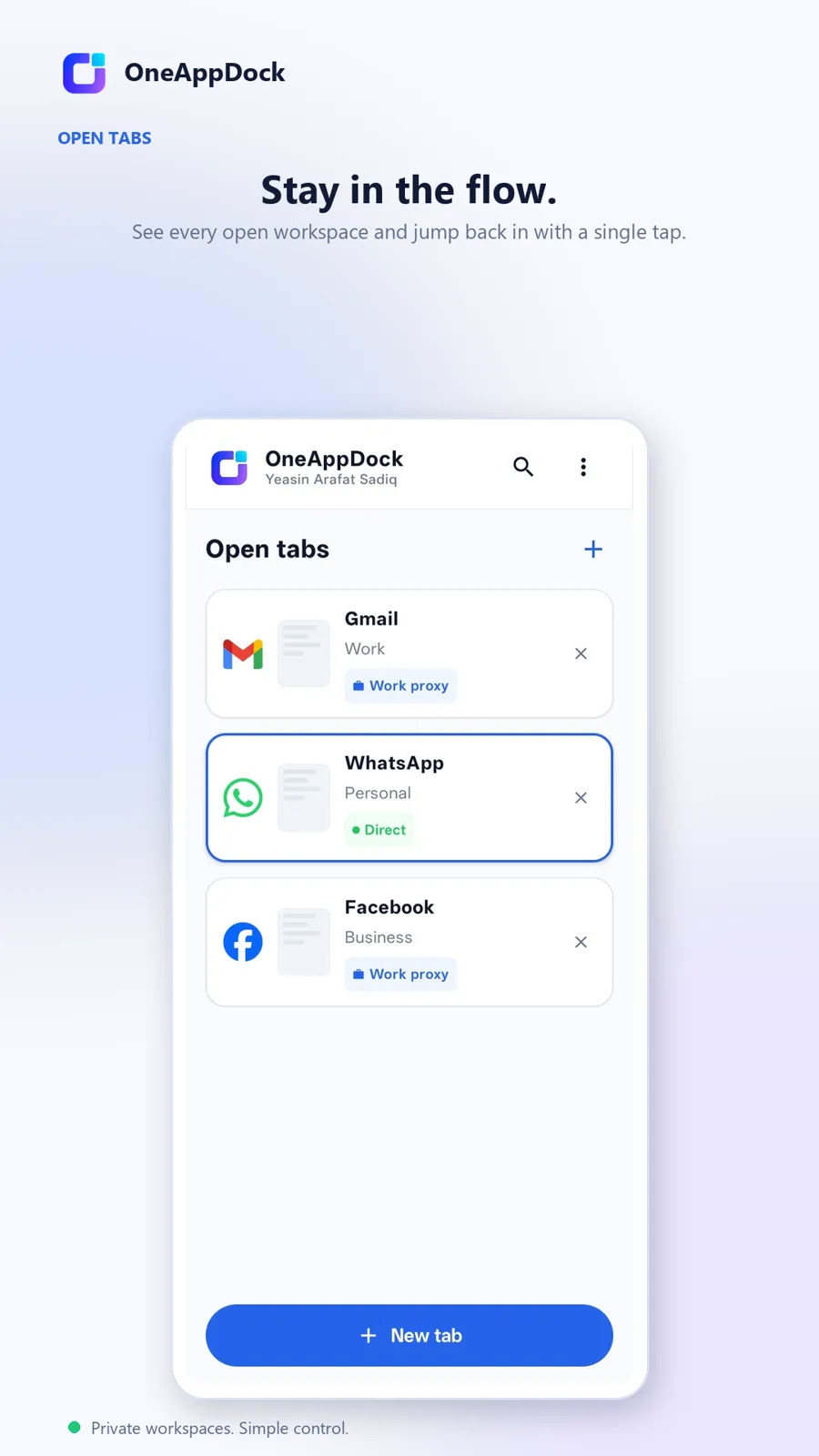
Run 5 Gmails, 3 Discord accounts, and multiple Slack workspaces side-by-side. Each account runs in its own cookie partition so you never get logged out or cross-pollinate session data.
Eliminate browser tab chaos and session conflicts. Bring Slack, Discord, Gmail, ChatGPT, and 30+ everyday web services into one distraction-free dock — with independent proxy routing for every account.
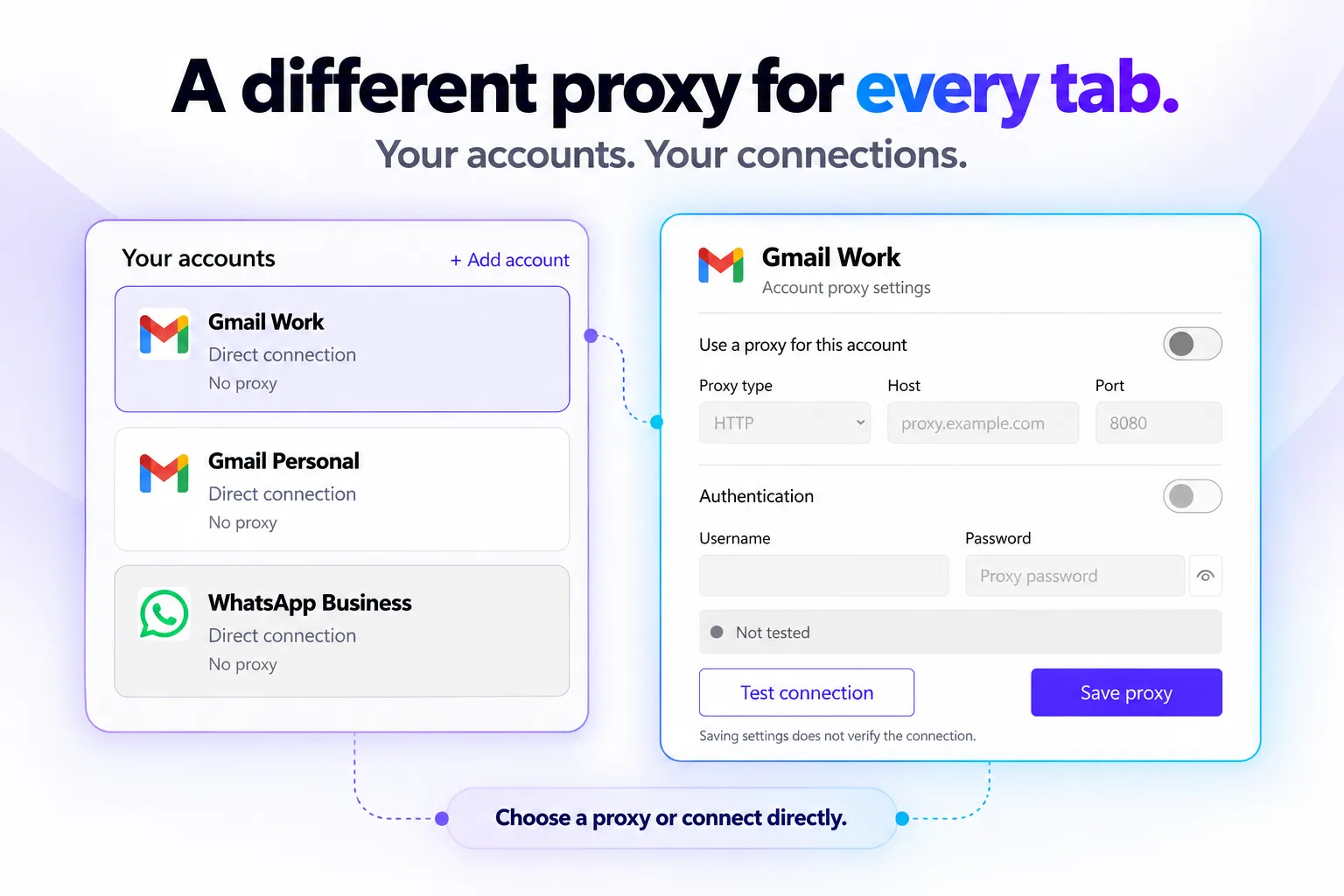
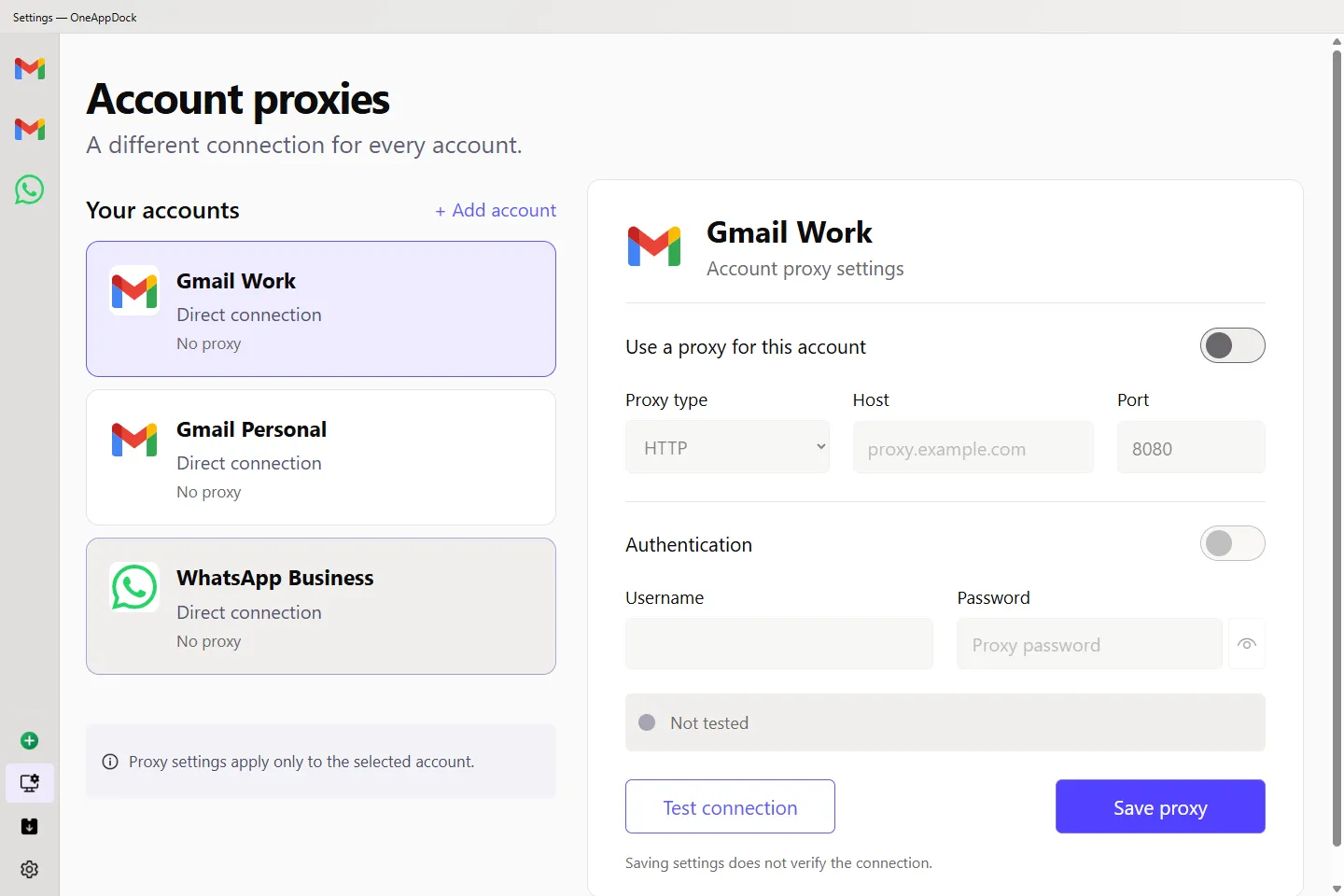
A different connection for every account.
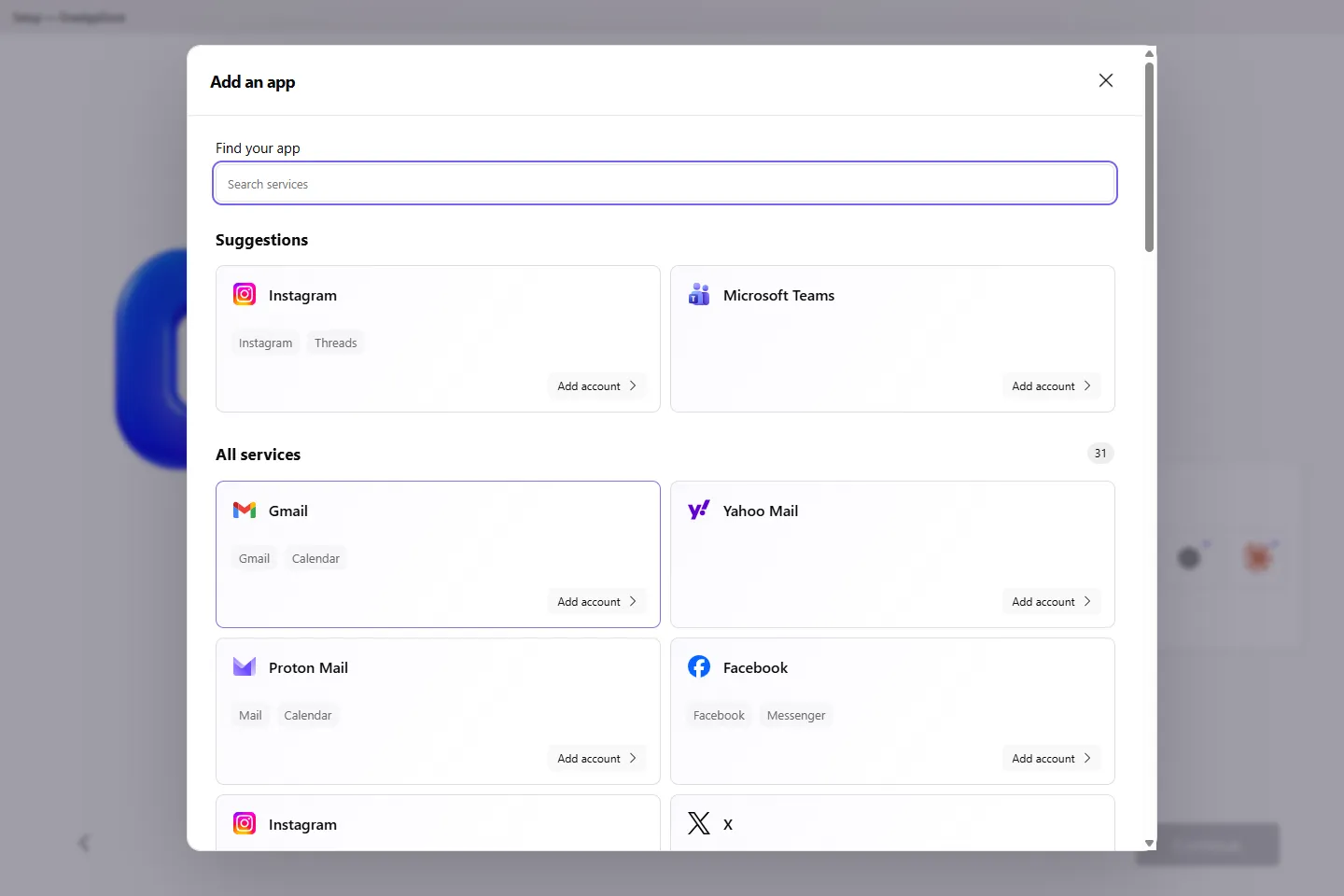
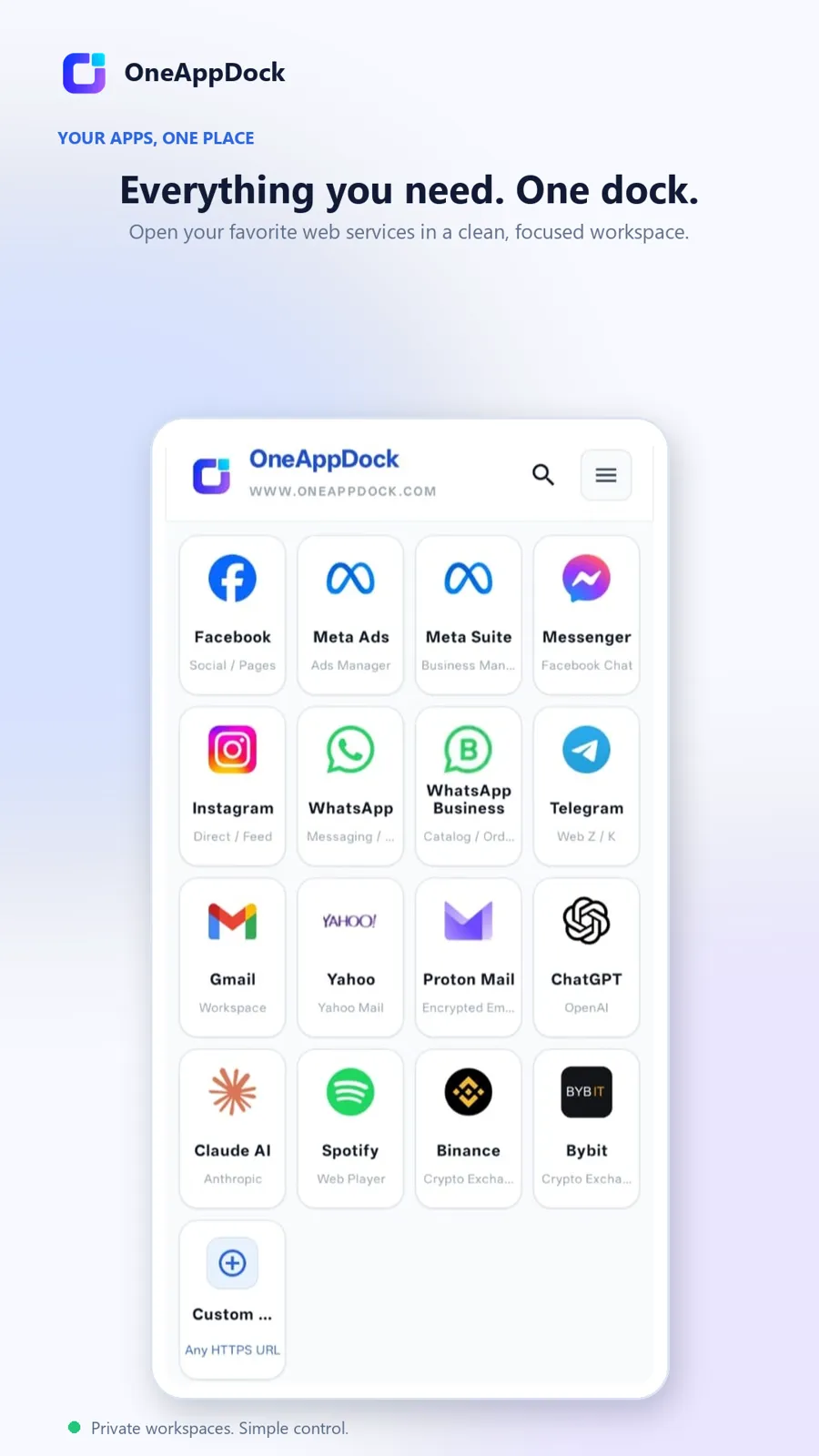
Over 30+ pre-integrated web services ready to dock right out of the box. Or paste any custom URL to dock your company tools, internal intranets, or private dashboards.
Third-party logos and trademarks belong to their respective owners. OneAppDock provides direct browser-dock sandboxing for public web interfaces without requiring separate affiliation.
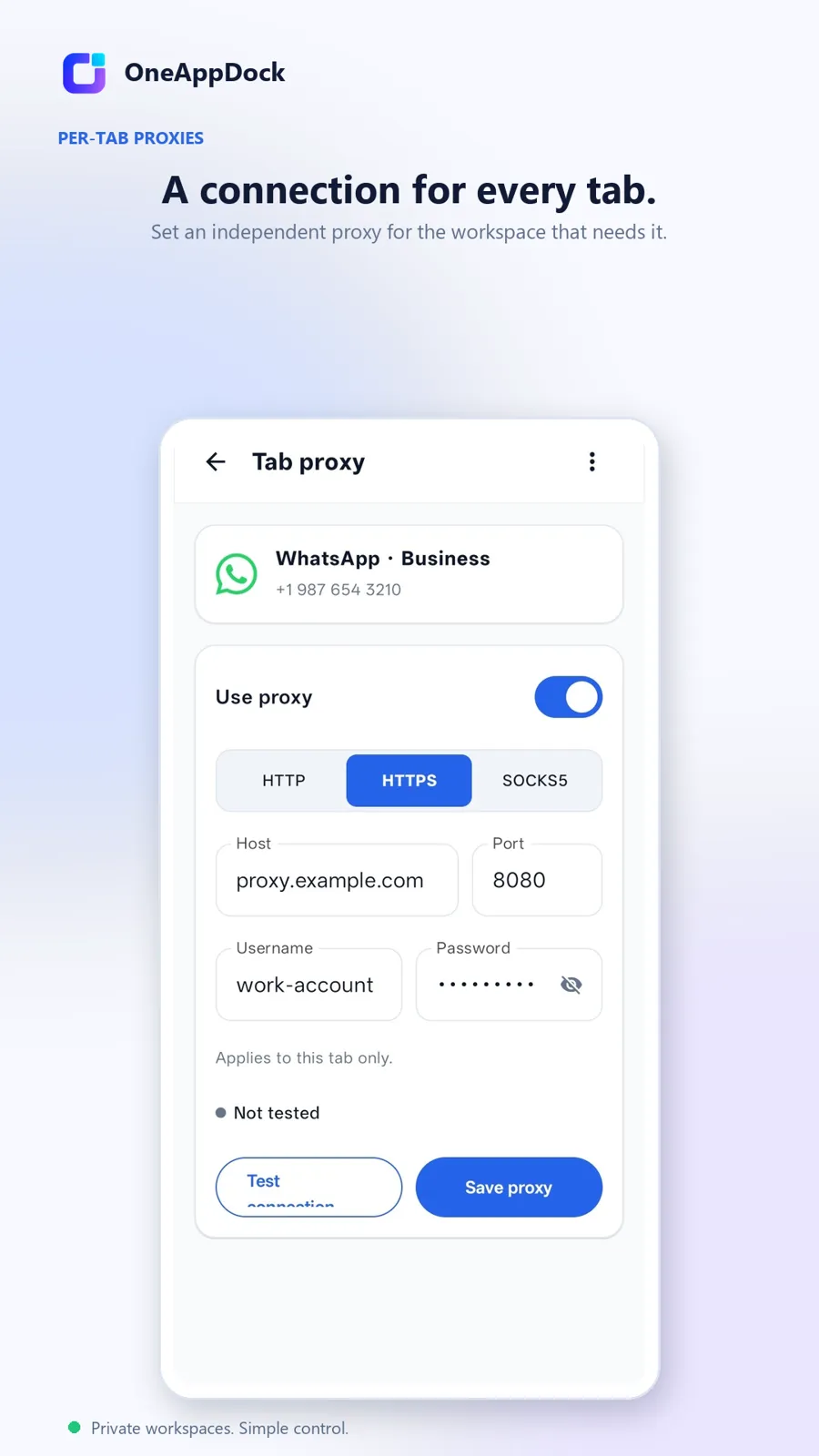
Traditional browsers force one proxy across your entire operating system. OneAppDock breaks free: assign a separate SOCKS5, HTTP, or HTTPS proxy to individual tabs or accounts, while leaving the rest on direct connection.
// Configured in OneAppDock Account Inspector:
Protocol: SOCKS5 (with auth)
Server: us-proxy-gateway.net:1080
Auth: Username & Password protected
Status: Verified Connected (48ms ping)
Route: Target Account → Isolated Tunnel → Web
Say goodbye to sluggish electronic wrappers and RAM-hogging browser extensions. OneAppDock is engineered to be featherweight, modular, and obsessively organized.
Run 5 Gmails, 3 Discord accounts, and multiple Slack workspaces side-by-side. Each account runs in its own cookie partition so you never get logged out or cross-pollinate session data.
Jump between communication hubs in milliseconds with customizable hotkeys, pinned apps, and floating docks.
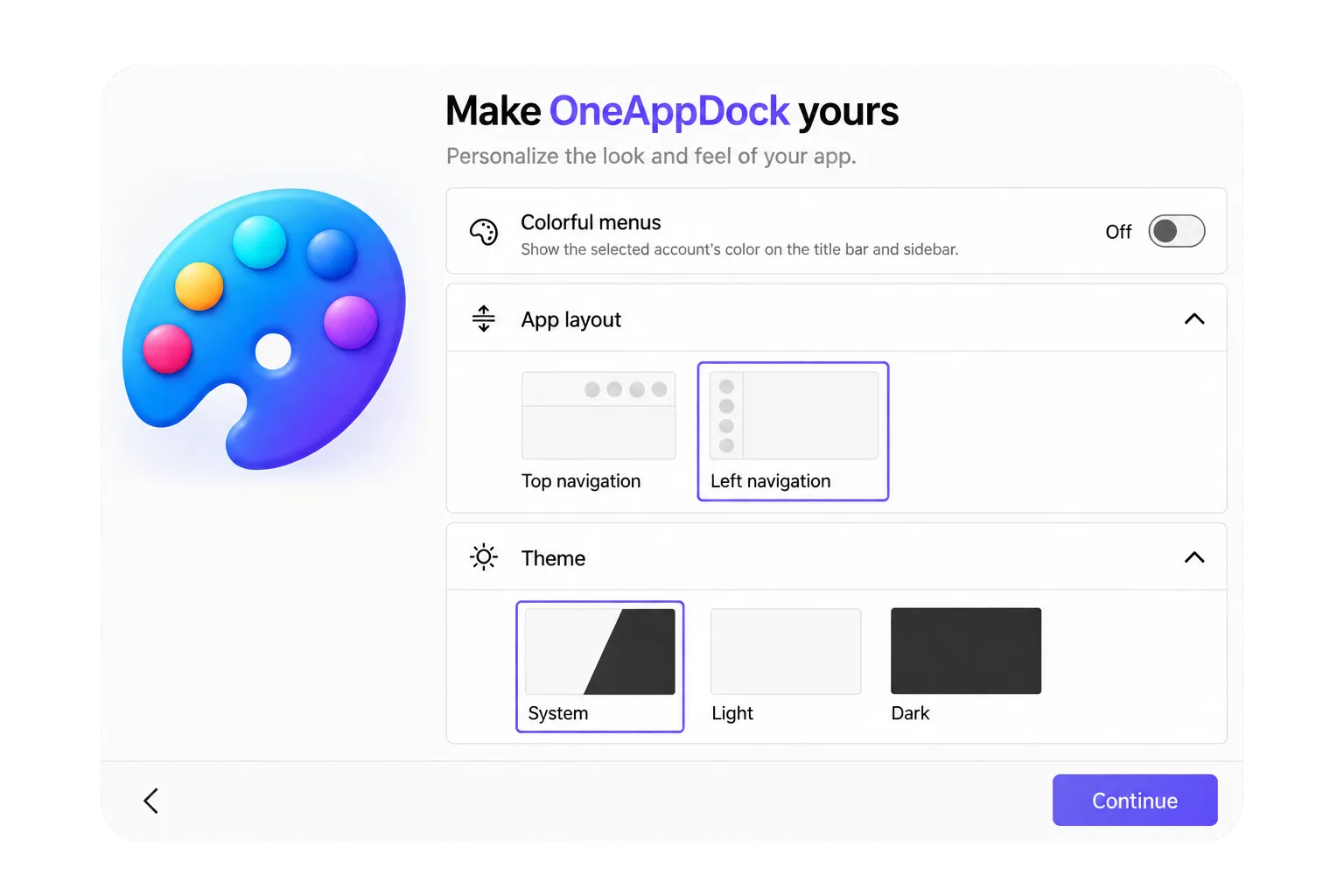
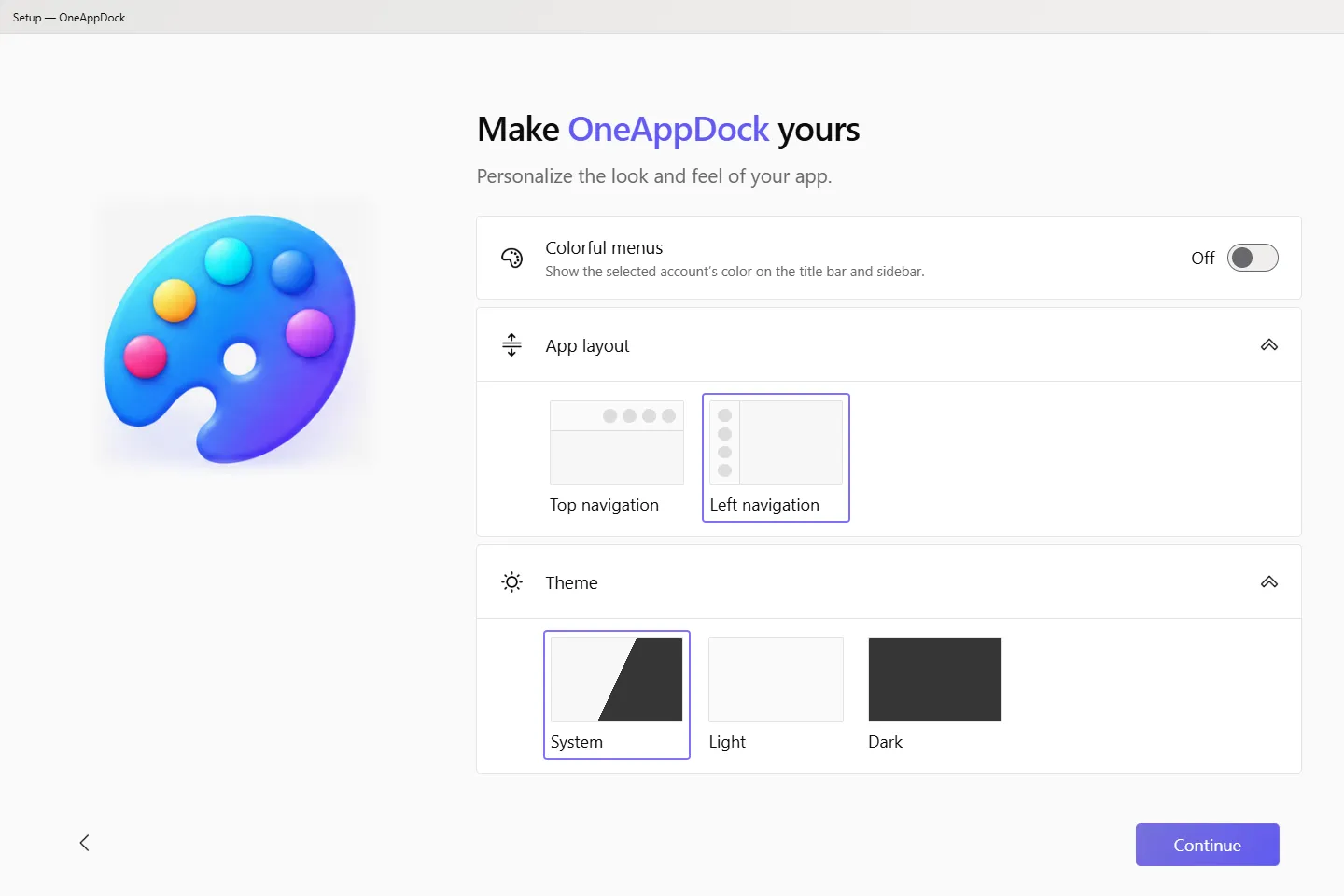
Fine-tune your workspace to match your style. Customize interface themes, dock layouts, and personalized accent palettes.
Engineered with native web view acceleration. Android APK is just 43 MB. Windows installer is a clean 113 MB without telemetry bloat, unnecessary background daemons, or tracking scripts.
Click on any screenshot to inspect the interface up close.
Download OneAppDock completely free for Windows & Android. No registration, no ads, no cloud lock-in.
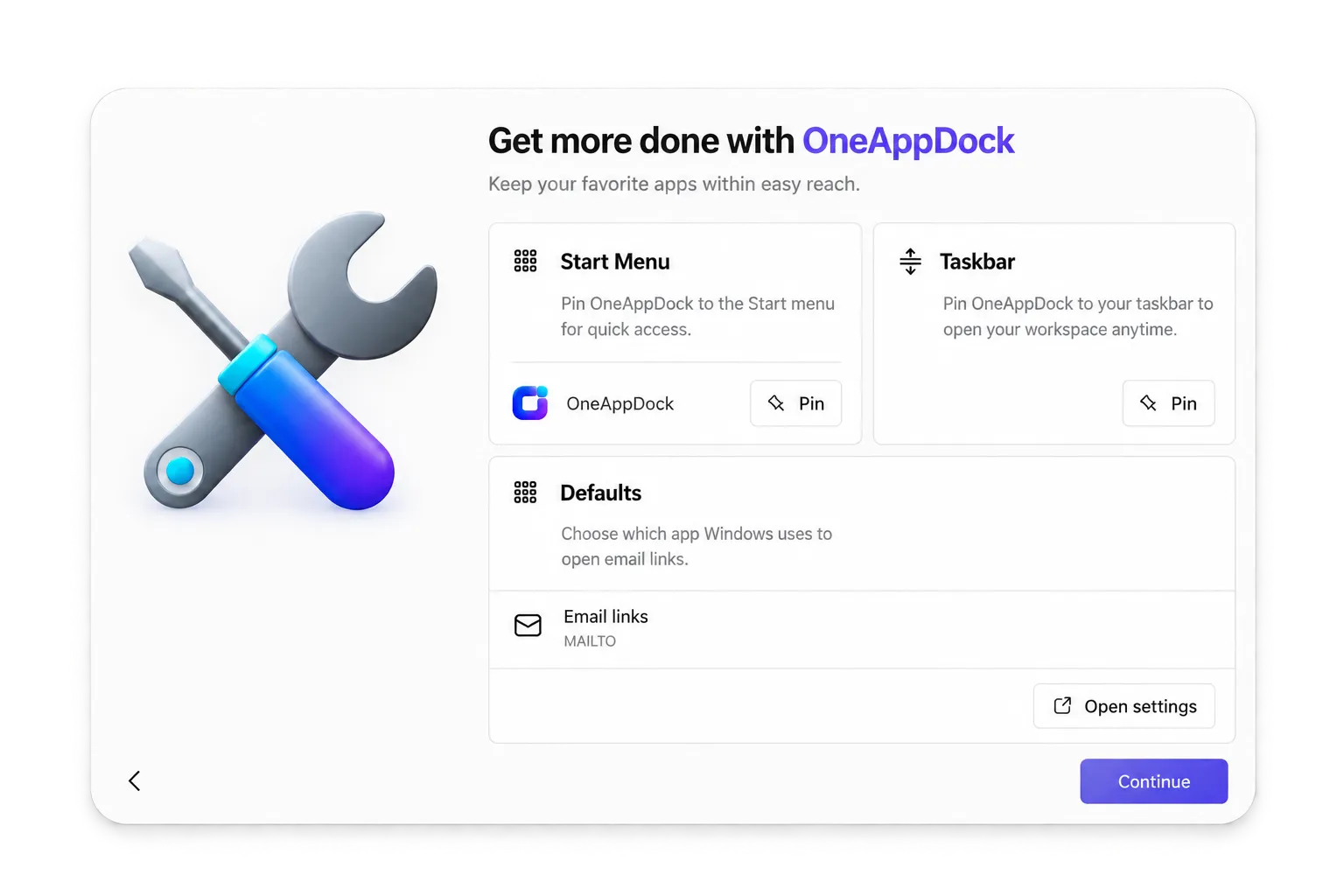
The full-featured desktop powerhouse. Full SOCKS5/HTTP proxy engine per account, portable mode, system tray integration, and custom URL docking.
As this is an open independent release without an expensive EV code-signing certificate, Windows SmartScreen may show an "Unrecognized app" prompt. Simply click "More info" and then "Run anyway" to install smoothly.
Your pocket workspace. Keeps your essential web apps and multiple accounts organized on mobile with an ultra-lightweight 43 MB package.
When downloading directly, Android may prompt to "Install unknown apps" from your browser. Tap Settings and toggle "Allow from this source", then tap Install.
NOT SURE WHICH ONE?
Describe your Windows device, e.g. “Windows 11 work laptop, no admin rights”. We’ll recommend the right download and walk you through setup.
Got questions? Here are honest, direct answers about OneAppDock, proxy capabilities, and privacy.
Unlike traditional browsers that force a single global proxy across all open windows, OneAppDock creates isolated network sessions per account or service. In the Windows app, you can assign an HTTP, HTTPS, or SOCKS5 proxy to a specific account (with custom username/password authentication), while other accounts remain on your direct ISP connection.
No. OneAppDock is an intelligent client application and dock. It does not sell proxy bandwidth, host VPN servers, or monitor your traffic. You bring your own proxies (such as residential, datacenter, or mobile proxies) and configure them inside the app.
Yes! That is one of OneAppDock's biggest superpowers. Each added account operates in its own isolated cookie and storage sandbox. You can keep your personal Gmail, work Gmail, and side-hustle Gmail open simultaneously without ever needing incognito windows or secondary browser profiles.
Absolutely. In both the Windows and Android applications, you can add any custom web URL — including your company's Jira or Linear, internal CMS dashboards, self-hosted web apps, or niche web services.
No. OneAppDock stores all your preferences, accounts, and proxy credentials 100% locally on your machine. There is no cloud telemetry tracking your browsing habits, no mandatory user accounts to register, and zero middleman servers.
You can check the official website at oneappdock.com or subscribe to releases on the GitHub Releases Page. The Android version also receives updates on APKPure.
From idea to interface: building purposeful, focused software that gives users complete control over their digital workspace.
Experience the calm of having all your web tools under one roof. Download OneAppDock now.